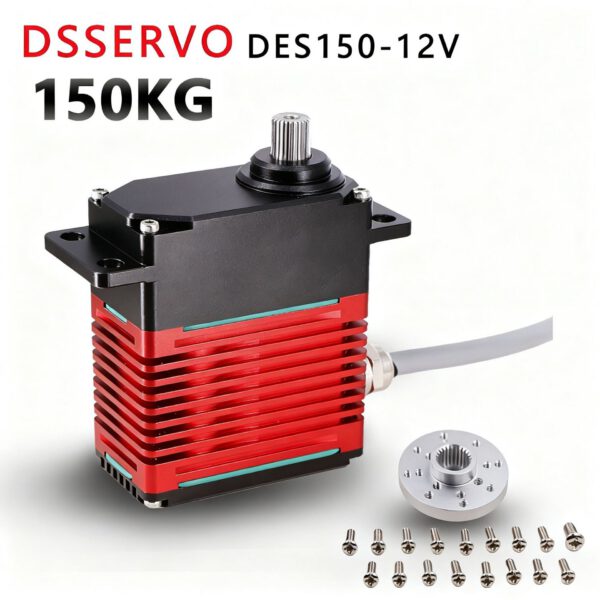
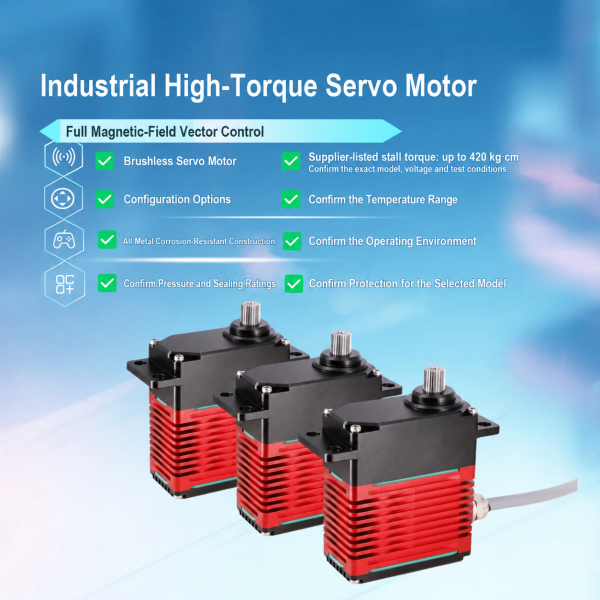
DSSERVO DES110 / DES150 Industrial Brushless Servo
DSSERVO DES110 and DES150 brushless servo models are shown in 12V and 24V configurations. Compare supplier-listed performance data and request a quote to confirm the exact version.
Description
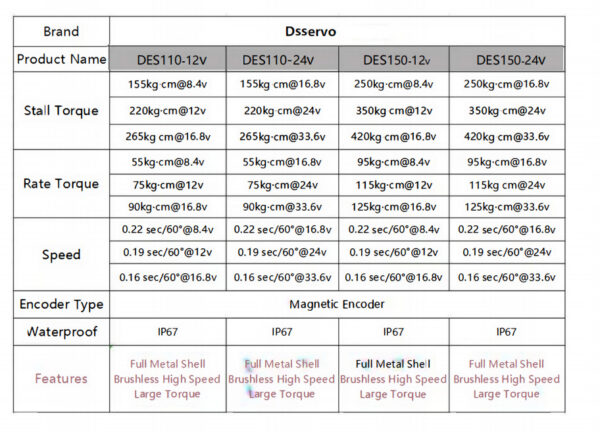
The DSSERVO DES110 / DES150 industrial brushless servo listing covers four configurations shown in the supplier’s specification image: DES110-12V, DES110-24V, DES150-12V and DES150-24V. The table below reproduces the listed torque and speed values at each stated voltage point. Confirm the exact model and electrical configuration before selecting a unit.
Supplier-listed performance data
| Model | Test voltage | Stall torque | Rated torque | Speed per 60° |
|---|---|---|---|---|
| DES110-12V | 8.4 V | 155 kg·cm | 55 kg·cm | 0.22 s |
| DES110-12V | 12 V | 220 kg·cm | 75 kg·cm | 0.19 s |
| DES110-12V | 16.8 V | 265 kg·cm | 90 kg·cm | 0.16 s |
| DES110-24V | 16.8 V | 155 kg·cm | 55 kg·cm | 0.22 s |
| DES110-24V | 24 V | 220 kg·cm | 75 kg·cm | 0.19 s |
| DES110-24V | 33.6 V | 265 kg·cm | 90 kg·cm | 0.16 s |
| DES150-12V | 8.4 V | 250 kg·cm | 95 kg·cm | 0.22 s |
| DES150-12V | 12 V | 350 kg·cm | 115 kg·cm | 0.19 s |
| DES150-12V | 16.8 V | 420 kg·cm | 125 kg·cm | 0.16 s |
| DES150-24V | 16.8 V | 250 kg·cm | 95 kg·cm | 0.22 s |
| DES150-24V | 24 V | 350 kg·cm | 115 kg·cm | 0.19 s |
| DES150-24V | 33.6 V | 420 kg·cm | 125 kg·cm | 0.16 s |
All values above are supplier-listed. The voltage points are reproduced as shown and do not independently confirm the allowable supply range, continuous operating conditions or test method. Stall torque is a peak figure; it is not a continuous working-load rating. The image does not provide current draw, duty cycle, thermal limits or service life, so confirm those figures for the intended load and controller.
Encoder, housing and protection
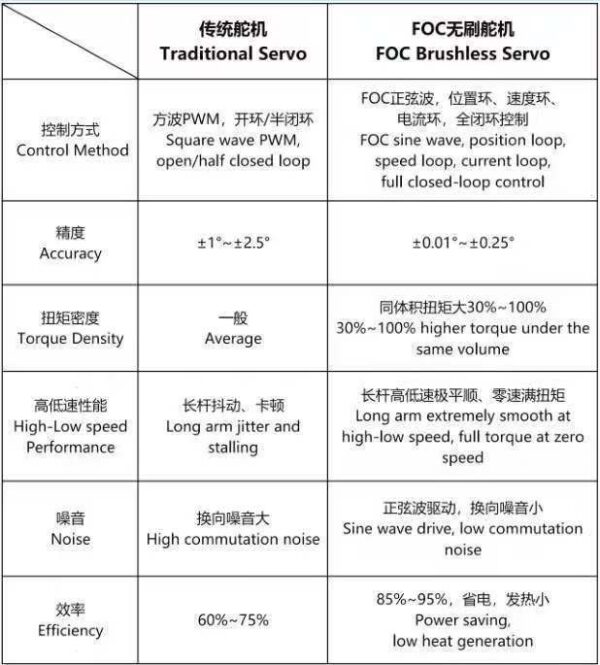
- Drive: brushless servo, as identified in the product materials.
- Encoder: magnetic encoder, as stated in the supplier table.
- Housing: full-metal shell, as shown and labeled in the supplier artwork.
- Protection: the table marks all four models IP67. The exact test conditions and rating documentation are not included in the images; verify them for the selected version.
Dimension drawing
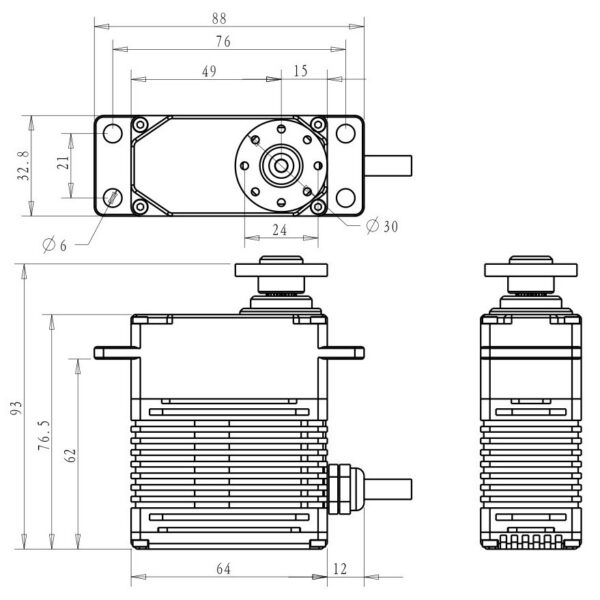
The gallery includes a mounting and outline drawing. Visible labels include 88, 76, 49, 15, 32.8, 21, 93, 76.5, 62, 64, 12, 24, Ø30 and Ø6. Units are not printed in the supplied drawing, so confirm units, hole spacing, output interface and clearances before fabrication.
How to choose a configuration
Choose the DES110 or DES150 family and the 12V or 24V version. The table shows test points, including voltages above the nominal model labels; these do not confirm a continuous supply range. Ask for the operating range, peak and stall current, duty cycle and torque data for the selected model. Check the required torque against the load, lever arm, acceleration, friction, mounting stiffness and thermal limits.
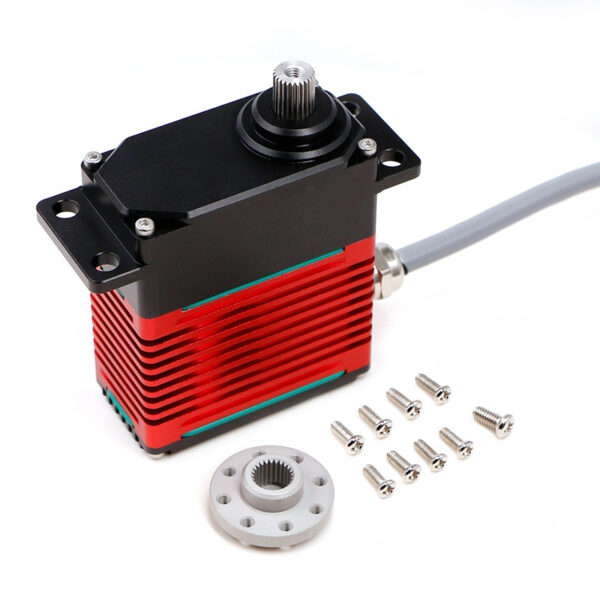
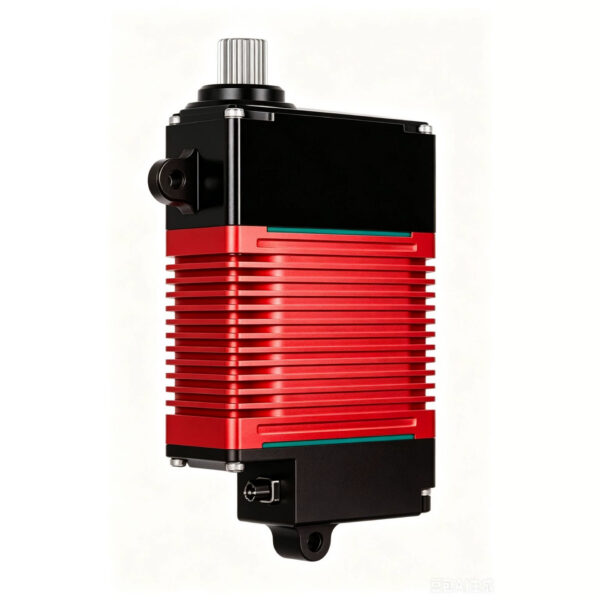
For installation, verify the output spline or horn interface, mounting-hole pattern and cable direction against the drawing before machining. The product photo shows the servo with hardware, but the images do not define every included accessory or wiring pinout. Request the exact package contents and connector specification so the mechanical layout and controller wiring match the delivered configuration.
Configuration and application checks
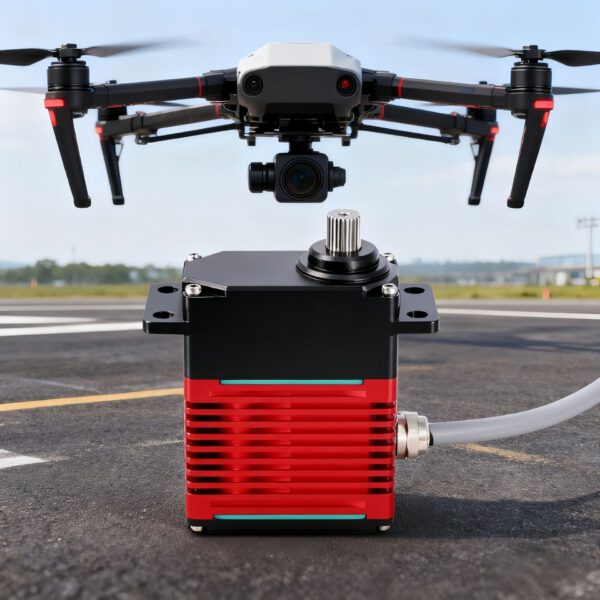
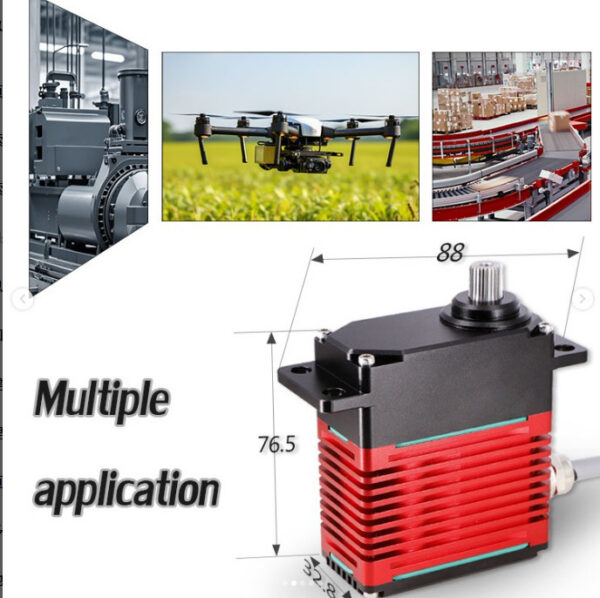
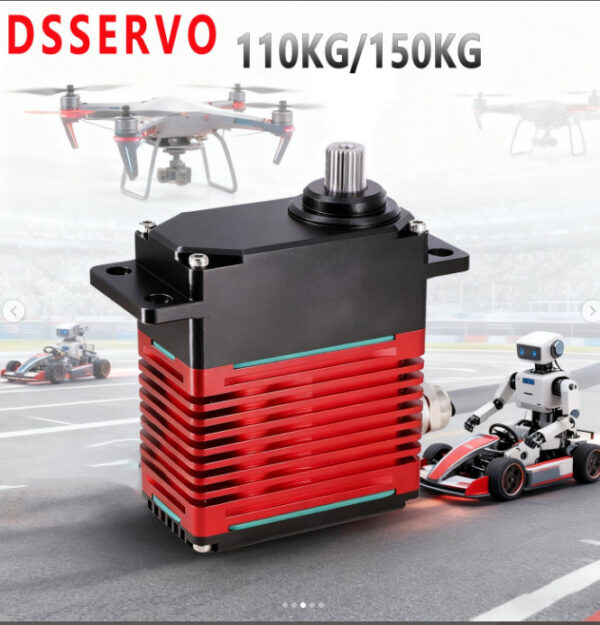
The source images present industrial, robotics, drone and deep-sea application scenes. These are supplier-provided promotional examples and do not establish independent compatibility or a pressure/depth rating. An IP67 marking alone does not specify suitability for deep-water use, saltwater corrosion conditions or continuous immersion. For an underwater robot, confirm pressure rating, seal test, material treatment, cable and connector details with the supplier before choosing the servo.
For a quote, state DES110 or DES150 and the required 12V or 24V version. Include your supply voltage, controller, load, torque, speed, motion duty, mounting constraints and quantity if known. Confirm electrical limits, working conditions, connector, accessories, availability and purchase terms for that configuration.
Custom Parts for Your Project
Ask about CNC machining or 3D printing for your part.
Custom CNC Parts
Send a drawing or CAD file, material, quantity, finish requirements, and application.
Request a Quote3D Printed Parts
Send a drawing or 3D file, quantity, intended use, and material or finish requirements.
Request a Quote